Creating a Freshbet account for the very first time? This guide walks you through every single step — registration, email verification, first login, KYC and more. No experience needed.
Registration takes approximately ten minutes. Before you begin, make sure you have everything ready — starting the process and then stopping to find documents halfway through is frustrating and can cause issues.
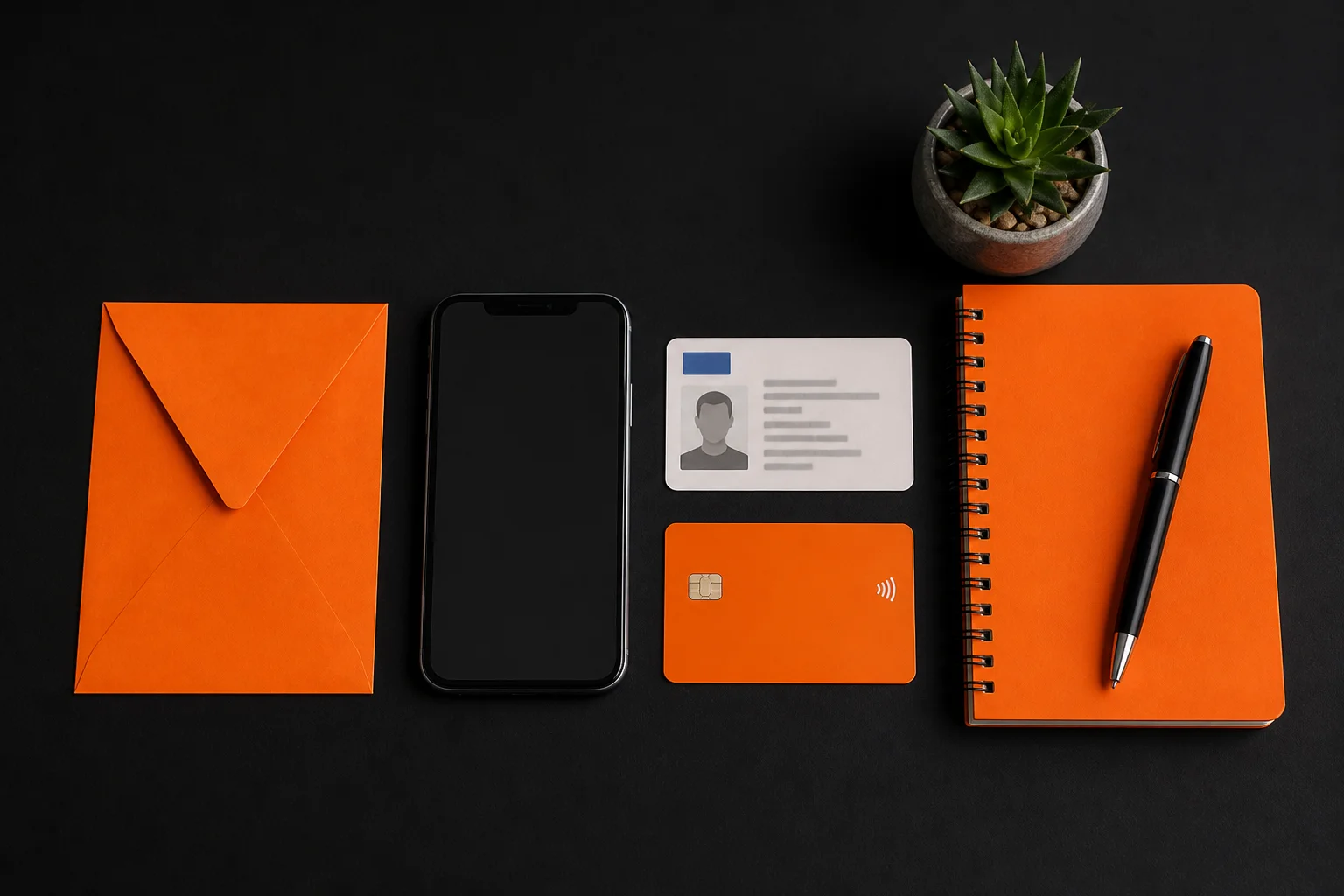
Before you register at Freshbet, you will need:
How long will it take? About 10 minutes for registration and email verification. KYC (identity check) is a separate step that can take a few hours to one working day once you submit your documents.
Here is the full registration process, described in as much detail as possible so you know exactly what you are doing at each stage:
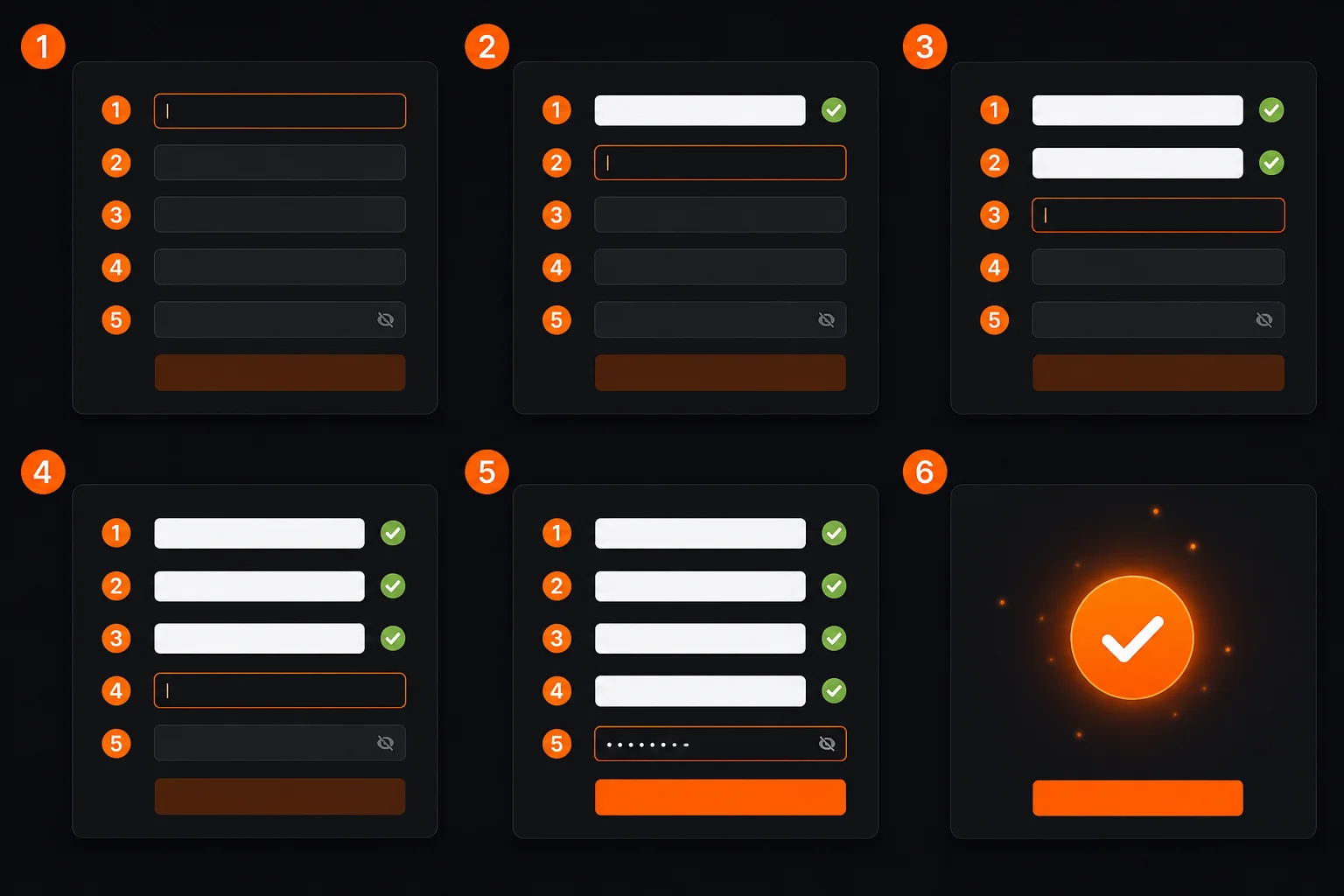
After submitting your registration form, Freshbet will send a confirmation email to the address you provided. This email contains a verification link. You must click it to activate your account.
Why is this required? Email verification confirms that the email address you entered actually belongs to you and that you can receive communications. Without it, Freshbet cannot send you withdrawal notifications, security alerts or bonus information. Your account will remain limited until your email is verified.
If the email does not arrive:
Once your email is verified, you are ready to log in. Here is exactly what to do:

What you will see when you first land in your account:
KYC stands for Know Your Customer. It is an identity verification process that all UKGC-licensed casinos are legally required to carry out before allowing you to withdraw funds. This is not unique to Freshbet — it applies to every licensed UK online casino.
Why does the UK require this? The requirement exists to prevent money laundering, identity theft and underage gambling. By verifying who you are, Freshbet ensures that the person withdrawing money is the same person who deposited it, and that they are genuinely over 18.
Important beginner tip
Complete your KYC on the day you register — not on the day you want to withdraw. If you wait until you have won money and then start KYC, you could be waiting hours or a day for approval before you can access your funds. Do it early and remove the delay entirely.
| What you need to upload | Acceptable formats | Typical processing time |
|---|---|---|
| Photo ID (proves your identity and age) | Passport, driving licence, national ID card — clear photo or scan | A few hours to 1 working day |
| Proof of address (shows you live at your registered address) | Bank statement, utility bill or council tax bill dated within the last 3 months | Usually processed together with ID |
| Payment method verification (sometimes required) | A photo of your debit card showing name and last 4 digits (cover the middle digits) | Sometimes instant, sometimes reviewed |
Documents can usually be uploaded directly in your account settings under "Verify Account" or "Documents". Photographs taken with a smartphone are usually acceptable as long as the document is fully visible and the details are legible.
Once your email is verified and you are logged in, here is how to claim your welcome bonus:

Login issues are one of the most common things new players encounter. Here is a troubleshooting table covering the eight most frequent problems:
| Problem | Most likely cause | Easy fix |
|---|---|---|
| Wrong password error | Typed the wrong password or used caps lock | Try again carefully; check caps lock is off; use "Forgot password" |
| Email not recognised | Registered with a different email address | Try any other email addresses you use; contact support with your username |
| Account not activated | Email verification not completed | Check inbox for verification email; contact live chat to resend it |
| Account temporarily suspended | Too many failed login attempts (security lock) | Wait 30 minutes, then try again; or contact live chat to unlock manually |
| Page not loading | Browser cache issue | Clear your browser cache and cookies, then refresh the page |
| Blocked by VPN | Using a VPN service | Disable your VPN — UKGC-licensed sites must verify your UK location |
| Cookie/session error | Outdated browser or extensions blocking cookies | Try a different browser or disable browser extensions |
| Account closed | Self-exclusion or account request | Contact support — if you self-excluded, wait out the exclusion period |
Forgetting your password is extremely common. Here is how to reset it:
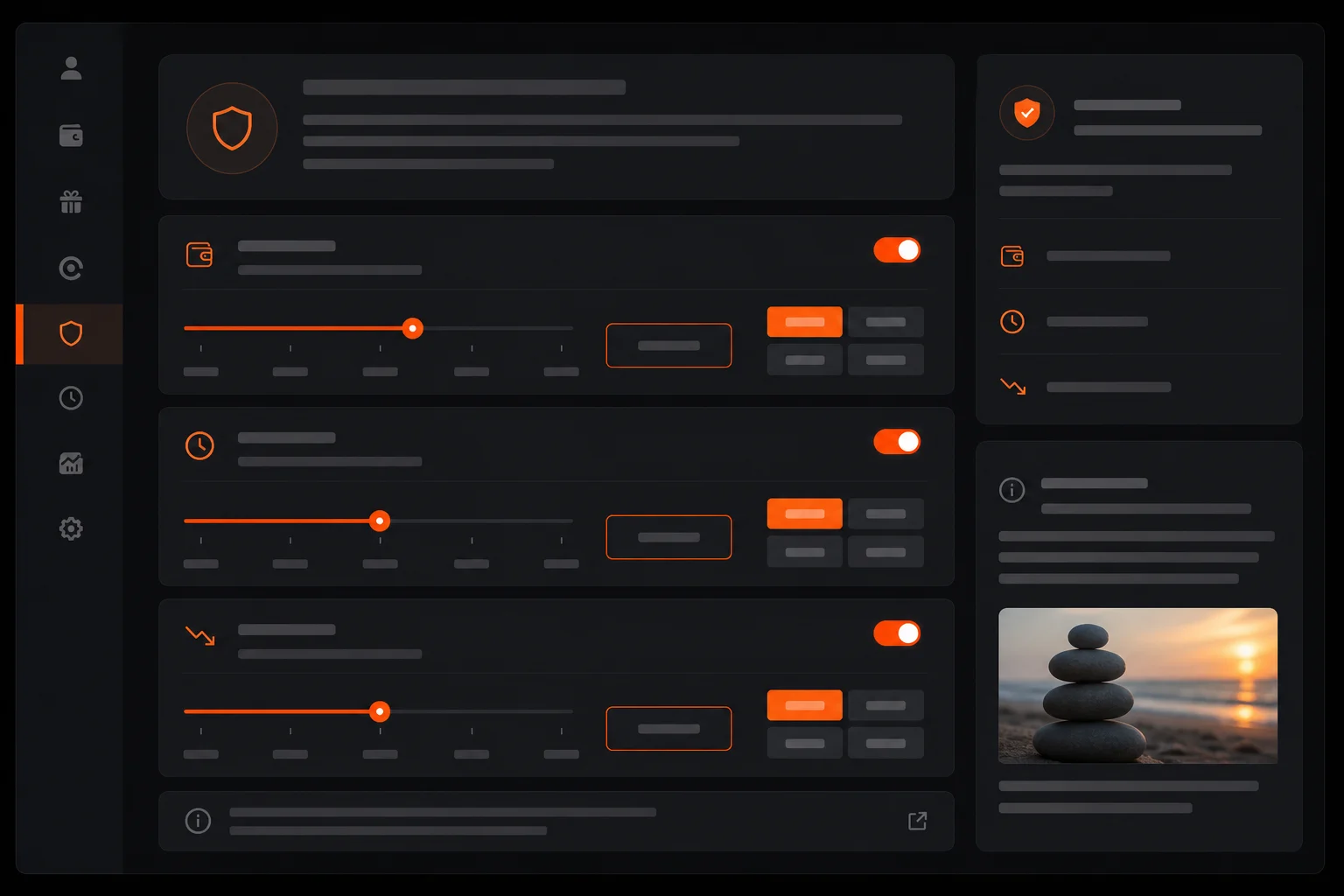
One of the things that makes Freshbet trustworthy as a UKGC-licensed casino is that it is legally required to offer you tools to control your own gambling. These are not buried in obscure menus — they are in your account settings and should be the first thing you set up after registering.
Tools available from day one:
To access these tools: log in → click your username or profile icon → go to "Responsible Gambling" or "Player Protection" in the account settings menu.
Yes. Here is why:
If anything ever feels wrong with your account — unexpected balance changes, access problems, unusual activity — contact live chat immediately and change your password. The support team is available 24/7.
Go to playfreshbet.uk and click the "Log In" button in the top right corner. Enter the email address and password you used when you registered. If you have forgotten your password, click "Forgot password?" and follow the reset instructions sent to your email.
Click the "Forgot password?" or "Reset password" link on the login page. Enter the email address linked to your account. Freshbet will send a password reset link to that address. Click the link, create a new password and log in as normal. If the email does not arrive within a few minutes, check your spam folder.
KYC stands for Know Your Customer — it is a legal identity verification process required by the UK Gambling Commission for all licensed casinos. You will need to upload a copy of your passport or driving licence and a proof of address (such as a bank statement or utility bill). Verification is required before you can make your first withdrawal. Complete it early to avoid delays.
The most common reason is that your email address was not verified. Check your inbox for a confirmation email from Freshbet and click the activation link. If the problem persists, contact Freshbet's 24/7 live chat support with your registration details — they can check your account status and resolve the issue.
Yes. Freshbet is UKGC licensed and must comply with UK data protection laws (UK GDPR). Your details are encrypted using SSL technology (the same used by banks), are never sold to third parties and are used only for account management, security checks and legal compliance.